now on iOS
ADHD cleaning app for adults who can't start
Nudge is a cleaning app for ADHD adults that gives you one doable next step before it asks you to manage a whole routine. Choose the time and energy you have, or use Panic Clean for a time-sensitive reset. It provides task-organization support for iPhone, not diagnosis or treatment.
Nudge is a subscription. You can try one tiny task before you choose a plan. Weekly has no free trial; eligible new Monthly and Annual subscribers receive a 7-day trial.
Looking for the Harvard cleaning app from the ads? That is a different app. Here is what it is and how to cancel it.
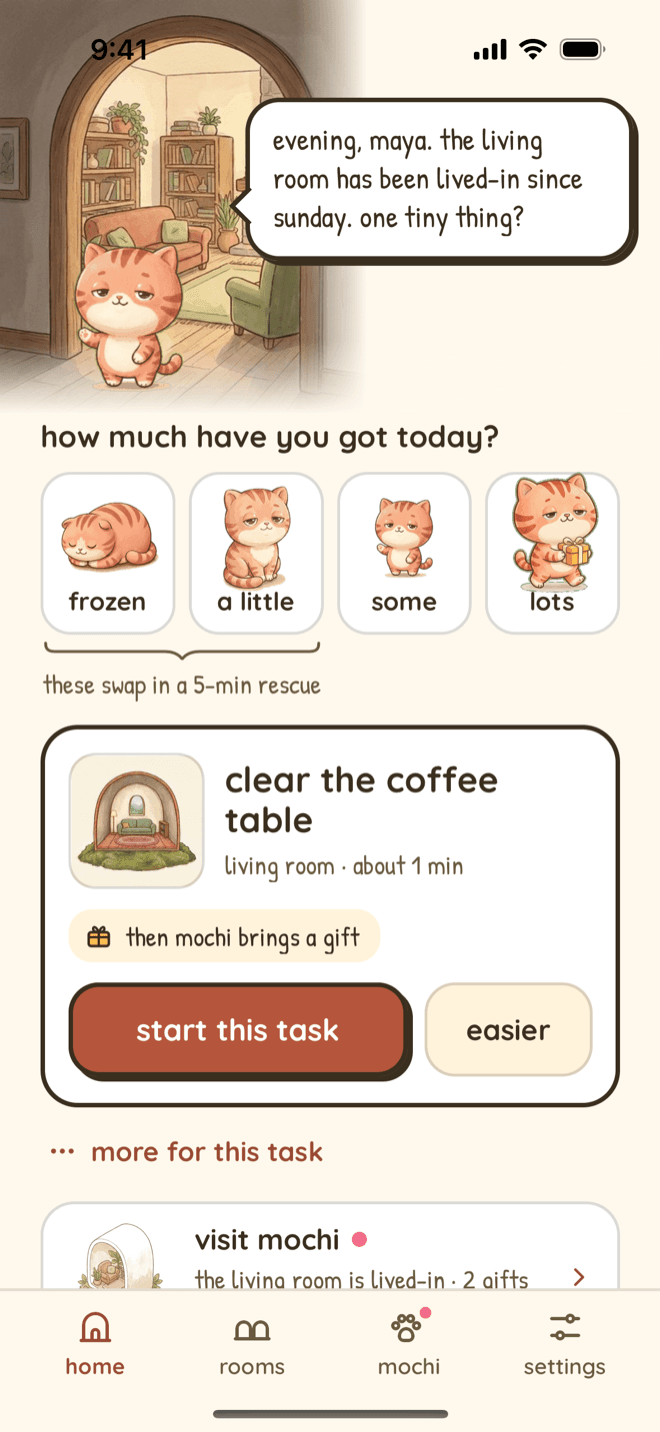
Built from the can't-start problem, not a perfect-home ideal
I build Nudge alone, and I live with executive dysfunction. I designed it around one tiny action, changing capacity, and restarting without a missed-day penalty—the cleaning support I wanted to use myself.
See how Nudge makes the next step smaller
Real screens from Nudge as it is in the App Store today, not concept art or a generic task-manager template. Drag the shelf sideways.
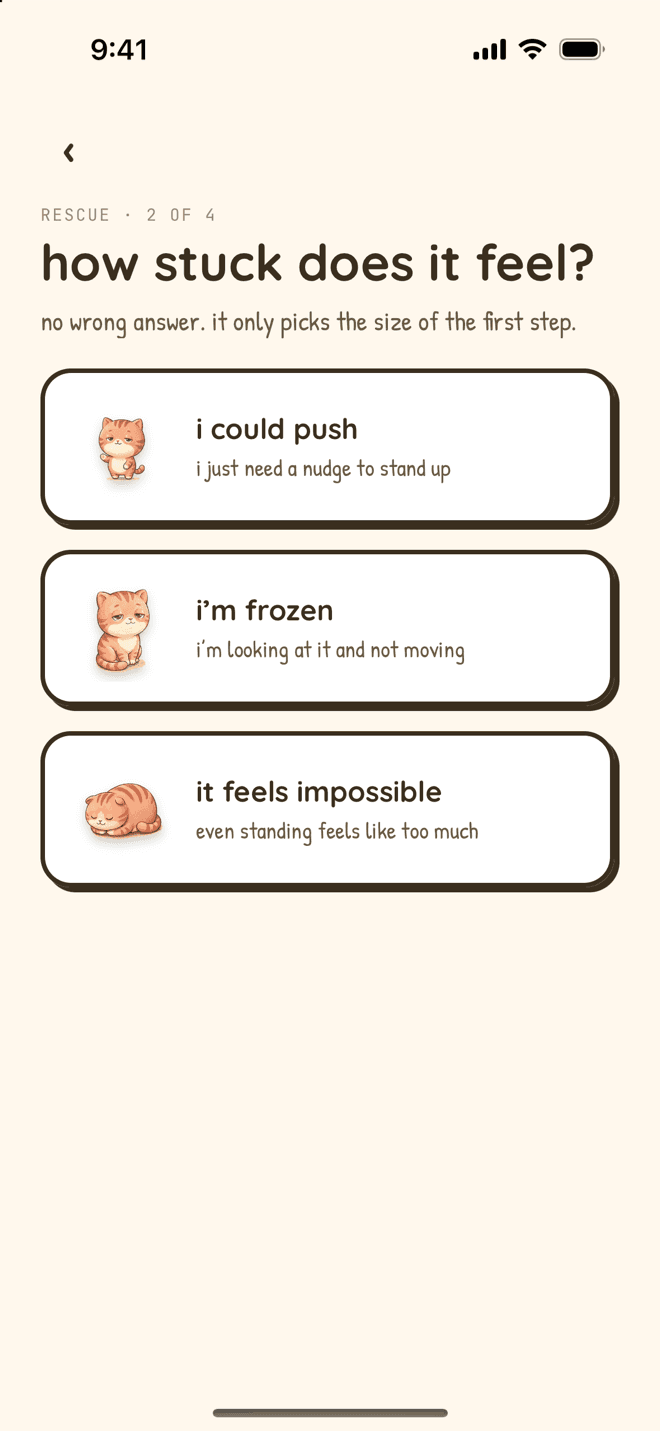
a spoken first move
Say how stuck it feels. Start Rescue sizes one physical step to that and reads it out, so you do not have to read anything.
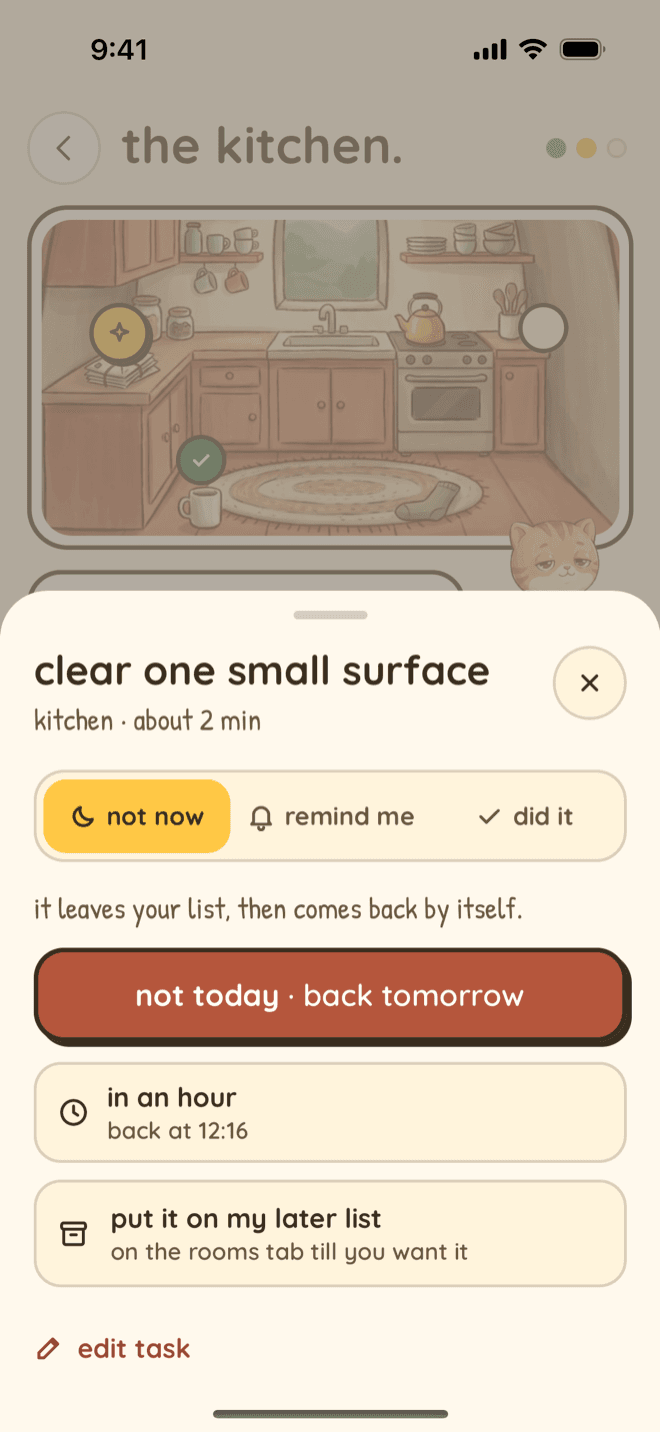
not today, no guilt
Skip a task for today, snooze it for an hour, or park it on a later list. It comes back by itself.
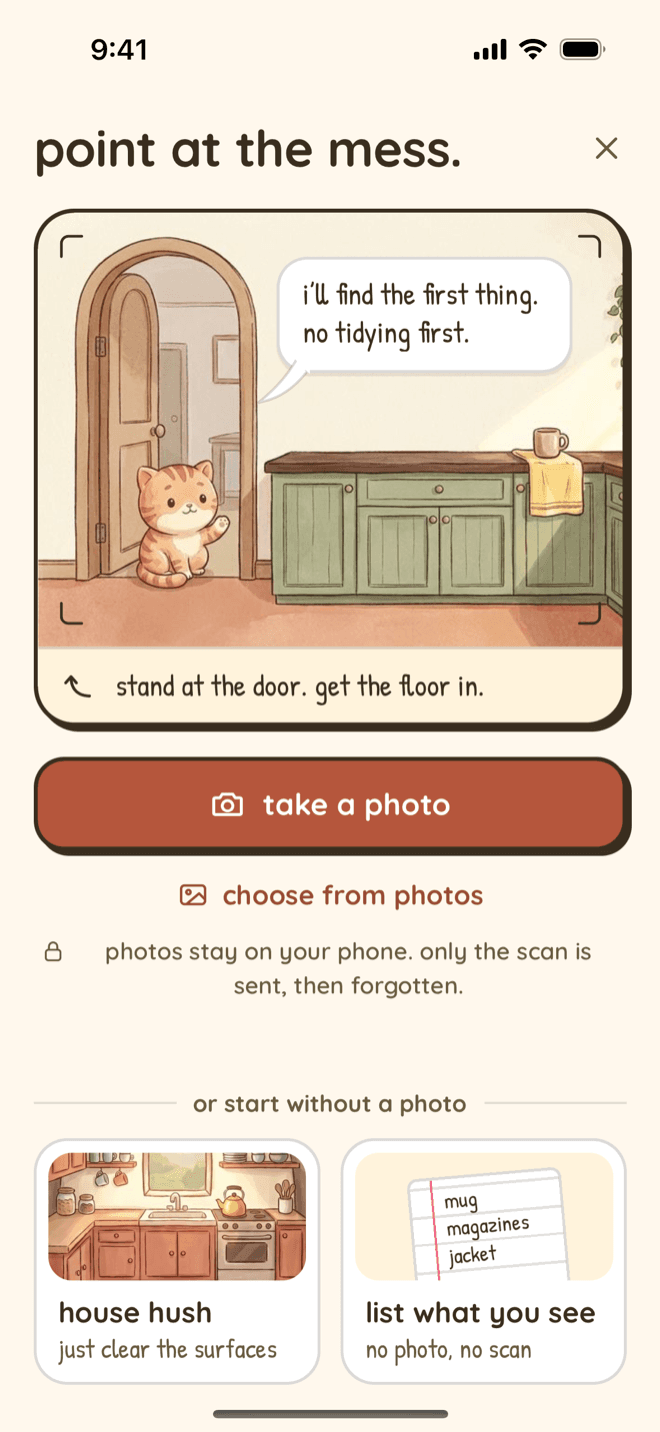
point at the mess
Scan My Mess finds the first thing to touch from one photo. No tidying first, and no photo needed if you would rather list what you see.
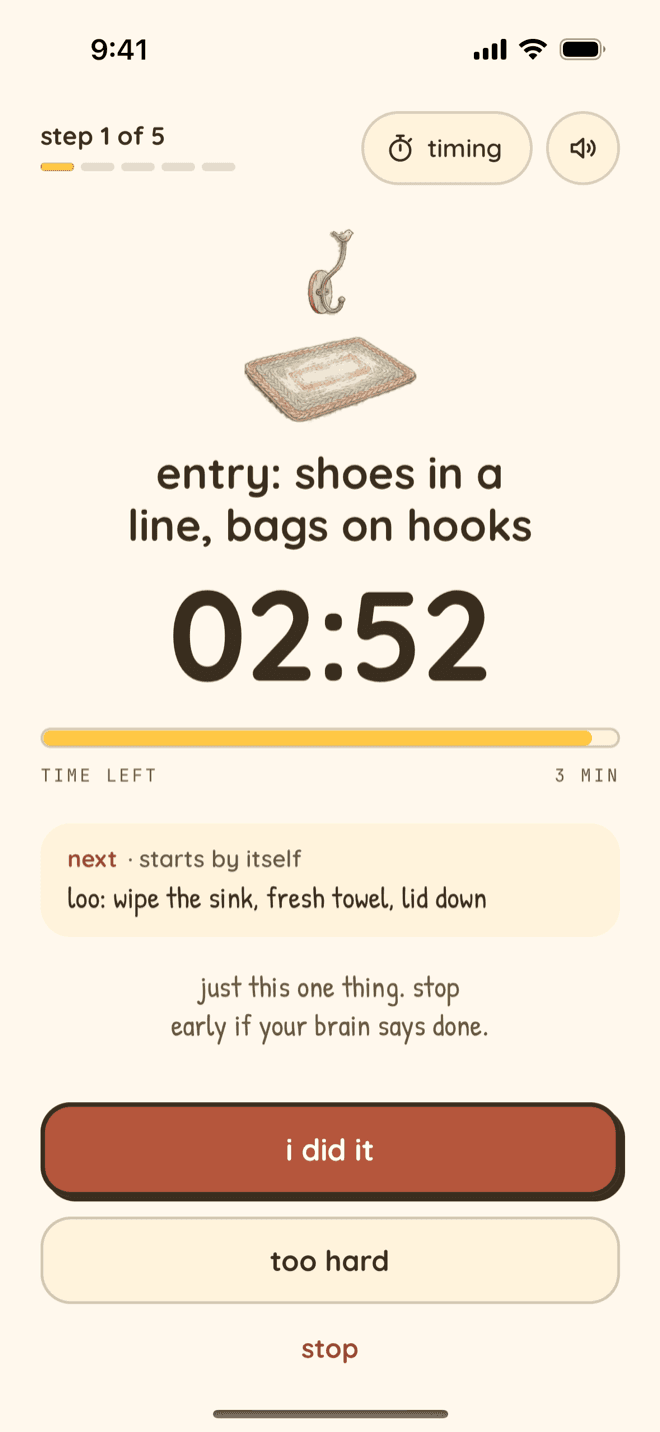
one step, one timer
A calm voice keeps going with your phone in your pocket. Stop early if that is enough.
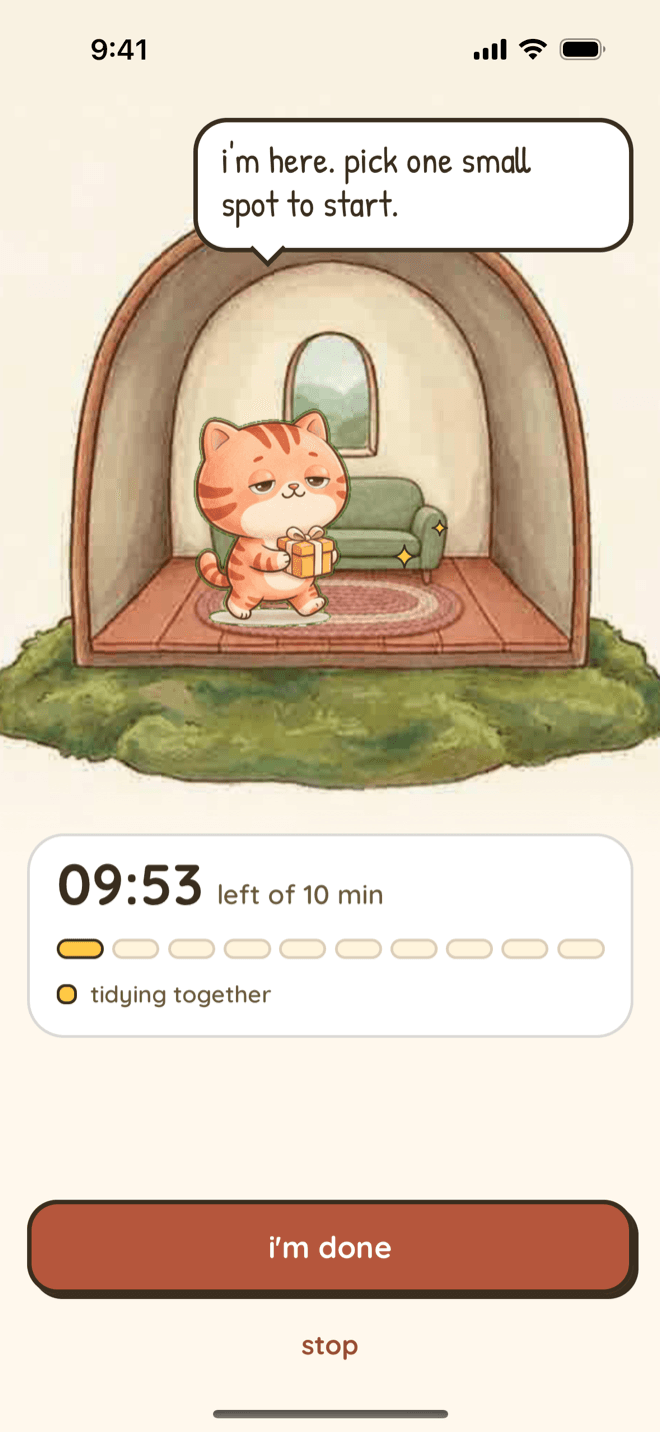
company while you tidy
Clean with Mochi: soft rain, a calm line now and then, and a timer if you want one. No camera, no chat.
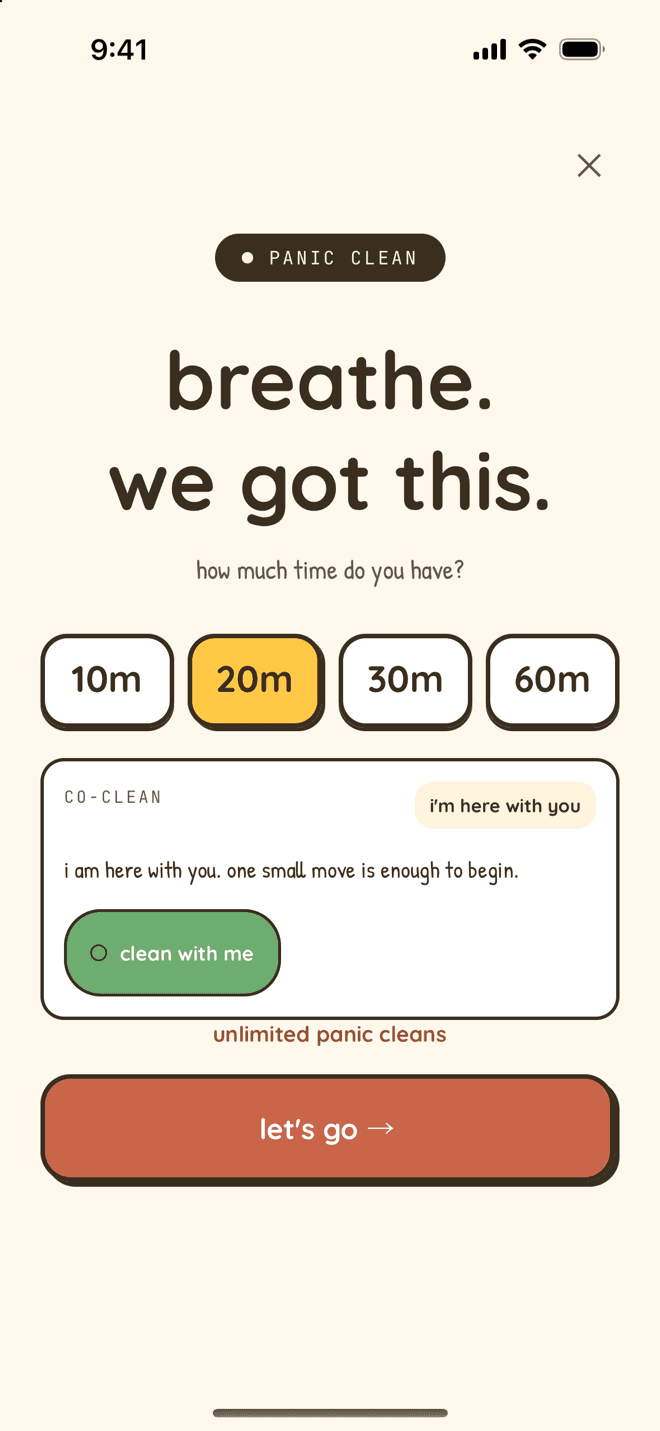
panic clean, one task at a time
When guests are close, get the one thing that changes the room fastest.
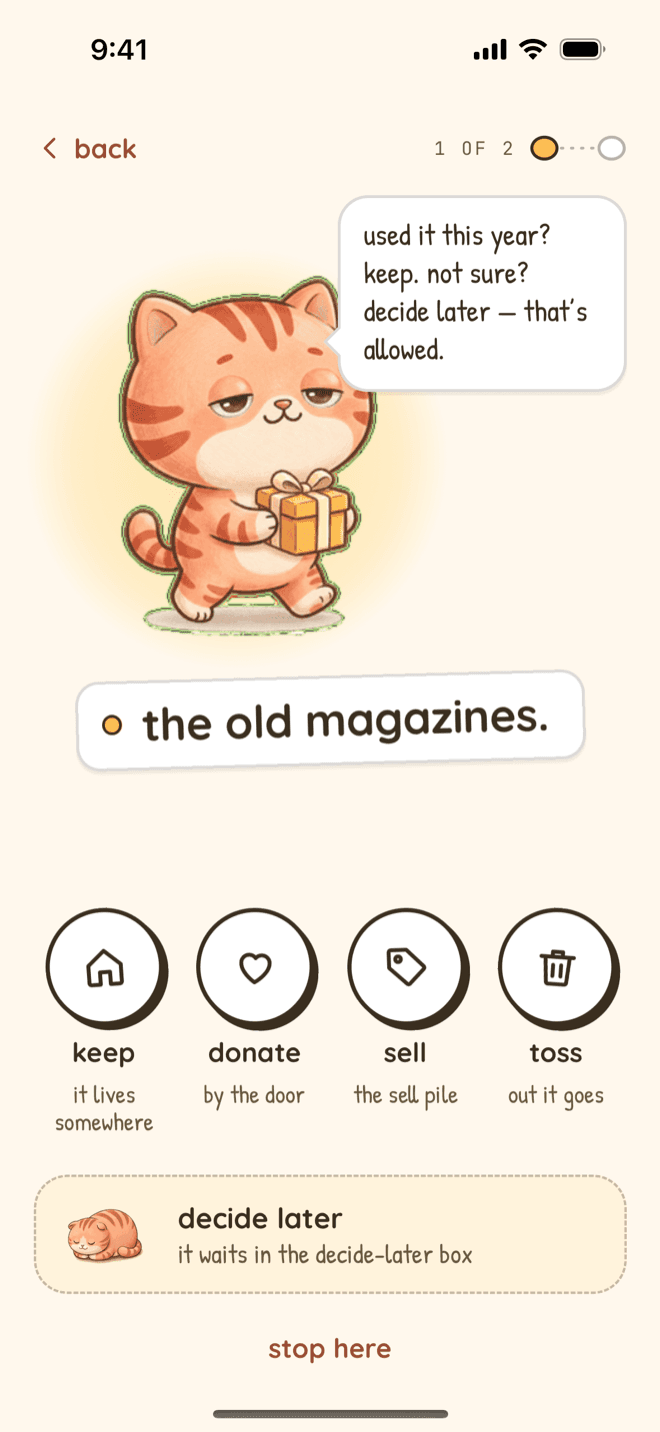
declutter one thing
Keep, donate, sell or toss, one item at a time. Not sure? It waits in the decide-later box.
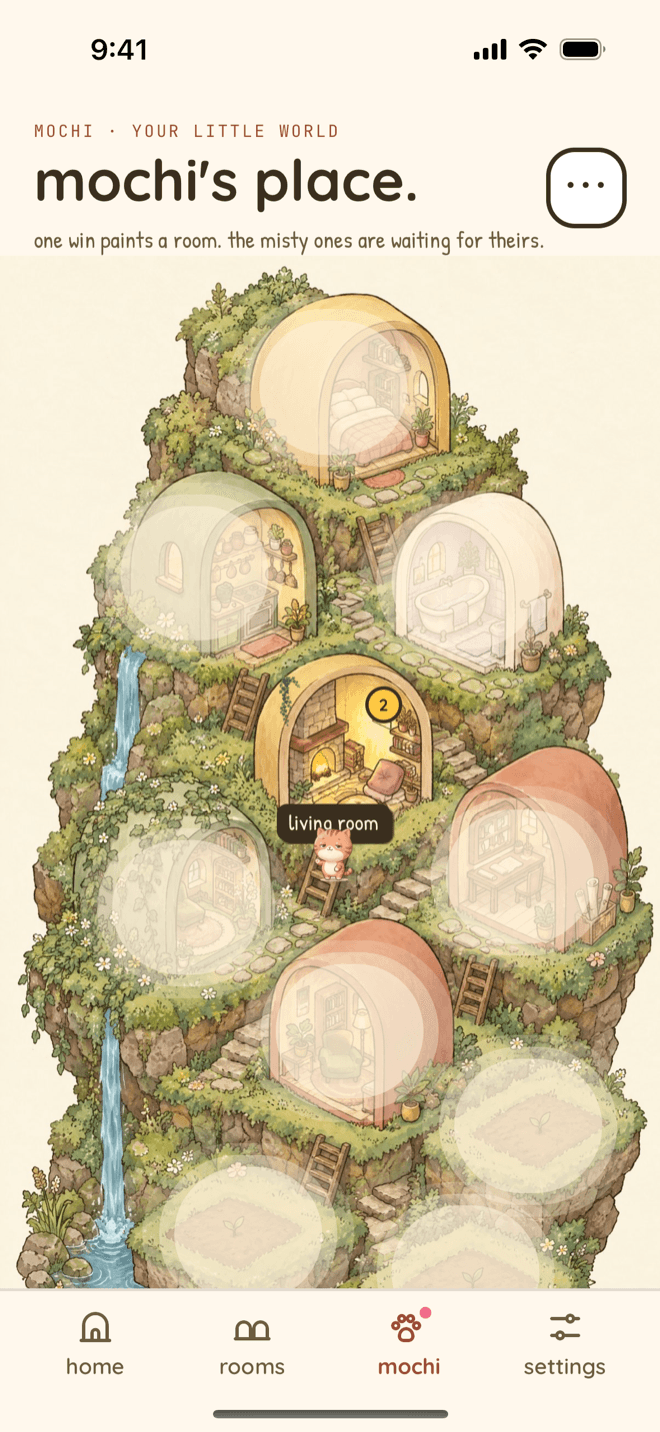
wins paint Mochi's Place
Every finished task fills in a room on your cat's island. Skip a day and the painted rooms stay painted.
Screens shown are verified first-party Nudge screens. Features may require Nudge Premium.
Watch the real Nudge screens in sequence
This 20-second clip is a screen recording of the real Nudge app on iPhone (version 1.3.2). You finish one tiny bathroom task, Mochi brings a bath mat, and the bathroom paints in on Mochi's Place. It has music and no voice-over. The line on top is our caption, not a customer quote.
Read what happens in the clip
- 0–3 seconds: Mochi's Place, with the bedroom, kitchen and living room painted and the bathroom still misty.
- 3–6 seconds: The bathroom page offers one job: put one thing back and the bath mat is yours.
- 6–8 seconds: A timer starts for wiping the sink, then the task is marked done.
- 8–14 seconds: Mochi walks in, the bath mat appears, and Mochi sits on it.
- 14–17 seconds: A “that counts” page shows before and after: 1 step, 1 minute.
- 17–20 seconds: Back on the island, the bathroom paints in.
One tiny start
When the room feels too big, Nudge gives you one small task instead of a full list.
Plans that match today
Choose your energy and time. Nudge builds a cleaning plan around what is possible now.
Quick help for crisis cleans
Panic Clean sorts tasks by visual impact when guests are close or time is short.
Why a house cleaning app for ADHD can still feel too hard
A lot of cleaning apps are built around schedules, recurring chores, and long checklists. Those can help once you are already moving. They are less helpful when the hard part is choosing the first thing.
Different tools solve different barriers. Our transparent comparison of the best cleaning apps for ADHD explains when a recurring chore tracker, shared household game, body-doubling app, or one-step-at-a-time coach may fit better.
Nudge starts before the checklist. It helps you pick one tiny action, then gives you another only when you are ready. The goal is not a perfect home. The goal is a room that feels easier to enter, one step at a time.
If you are looking for a room-by-room plan rather than help with the first step, go straight to the dedicated ADHD cleaning planner and checklist page. It explains how Nudge handles rooms, flexible schedules, and low-energy days without turning this page into a second planner result.
Two step-by-step guides pair with the app or work on their own: how to clean your room with ADHD, one pass at a time, and executive dysfunction and cleaning: six stuck points.
Nudge vs. a recurring chore tracker
Neither format is best for everyone. A recurring tracker can be the better choice when the main job is coordinating or remembering repeat chores. Nudge is built for the earlier moment when choosing and beginning the next action is the hard part.
| What you need | Recurring chore tracker | Nudge |
|---|---|---|
| Primary job | Maintain repeating chores and see what is due | Choose a doable first step when starting is the barrier |
| Planning style | A recurring schedule you configure in advance | A plan shaped around today's room, time, and energy |
| Overwhelming rooms | Usually shows the task list you created | Can give one tiny action or break a larger task into steps |
| Guests arriving soon | Follow your existing chores or make a short list | Panic Clean prioritizes visible-impact tasks for the time available |
| Shared household accountability | Often the stronger fit for assigning and rotating chores | Designed primarily as individual starting and planning support |
Compare Nudge with Sweepy, Tody, and Tidywell on price, platforms, and scorekeeping in our transparent cleaning-app comparison hub. For five tools matched to different kinds of stuck, use the broader ADHD cleaning app comparison linked above.
Nudge by situation: ADHD cleaning app for students, ADHD cleaning app for shift workers, ADHD cleaning app for parents of toddlers, ADHD cleaning app for late-diagnosed adults.
What Nudge helps with
Can't Start
Tap for one tiny task under five minutes. No sorting through a full room first.
Energy-aware plans
Low energy, medium energy, or ready for a longer clean. Nudge adjusts the plan.
Scan My Mess
Use your camera to turn a room into a short, ordered list of starting points. Leave the app halfway and the list waits.
Task breakdown
Turn a big task like clean the kitchen into small checkable steps. Too hard? Say what's in the way and it gets smaller.
Not today
Skip a task, snooze it, or park it on a later list. It comes back when you want it.
Repeats that bend
Bring a task back on certain days, every few weeks, or once a month. Start the laundry, and get a nudge later to hang it up.
Laundry, one load at a time
Start it, move it, put five things away, with a nudge when each step is ready.
Ask someone to take it
Send a Mochi postcard asking someone to take a task. They answer without the app, and you see it on Home.
Not sure what to pick up first? Here is how Scan My Mess decides what to clean first from one photo of the room.
Turn “clean the kitchen” into concrete next actions
A room-sized instruction is a project, not one task. Nudge can break it into specific, time-bounded actions so you do not have to plan the whole sequence before moving one thing.
- Put dishes in the sink (about 1 minute)
- Clear the left counter (about 2 minutes)
- Wipe the stovetop (about 2 minutes)
- Take out the recycling (about 1 minute)
The breakdown is planning support, not a neurological treatment or a guarantee that one sequence will fit every room. You can swap a step, choose a smaller plan, or stop after the first action.
What Nudge is, and is not
Nudge is a cleaning-specific starting and planning tool: an ADHD house cleaning app for one person's home. It is not a general task manager with an ADHD label, a household-assignment game, or a substitute for medical care or hands-on support.
In other words, Nudge is an executive dysfunction app for one job, cleaning. If you are comparing executive dysfunction tools for work, email, or money as well, a general planner will cover more than Nudge does.
When Nudge is the right fit
- You want to clean, but the starting point feels unclear.
- You need cleaning plans that change with your energy.
- You do better with one small action than a long list.
- You sometimes need a fast visual reset before someone comes over.
- You want support that feels warm, quiet, and low-pressure.
When another app may fit better
If you mainly need shared family chores, leaderboards, or child task approval, a household chore app like Sweepy may be a better fit. If you want established dirtiness indicators for recurring routines, Tody may be closer to what you need. Nudge is for iPhone users whose hardest cleaning moment is starting.
Pricing
Nudge is a subscription for iPhone. You can try one tiny task before you choose a plan. Weekly is $2.99 with no free trial. Monthly is $6.99 and Annual is $49.99, and both include a 7-day free trial for eligible new subscribers, so nothing is charged before day 7. Cancel anytime in Apple ID settings.
Get Nudge on iPhoneFAQ
Is Nudge an ADHD cleaning app?
Yes. Nudge is an ADHD app for cleaning on iPhone, built for adults who struggle with task initiation, overwhelm, and executive dysfunction. It helps organize cleaning into small steps, but it does not diagnose or treat ADHD.
What is the best cleaning app for ADHD adults?
There is no single best ADHD cleaning app. The best app for ADHD cleaning is the one that removes the point where you get stuck. Nudge is built for starting. A recurring chore tracker like Tody suits routines, and Sweepy suits shared households with points. Our comparison of five apps is written by Nudge, and it says so.
Is there a free ADHD cleaning app?
Nudge is not free. It is a subscription with no free tier, and the Pricing section above has the exact prices and trial terms. What is free on this site: Tiny Clean picks one cleaning task in your browser with no signup, and the printable ADHD cleaning planner is a free one-page PDF. If you want an ADHD cleaning app free of charge, Tody's official site described its basic version as feature-complete for a single user when we checked on 2026-07-13.
How is Nudge different from a cleaning schedule app?
Most cleaning schedule apps help you track recurring chores. Nudge focuses on the start: choosing one tiny action, adapting to your energy, creating quick Panic Clean plans, and scanning a room when you do not know where to begin.
Does Nudge diagnose or treat ADHD?
No. Nudge is task-organization and gentle productivity support. It does not diagnose ADHD, treat ADHD, or replace medical care.
What happens to photos used with Scan My Mess?
A room photo is optional. If you submit one, it is sent to Claude by Anthropic to generate your cleaning plan. Nudge does not permanently store the photo on its servers after the plan is generated, and the photo is never used to train AI models.
Is Nudge available on Android?
No. Nudge is currently available for iPhone on the iOS App Store.